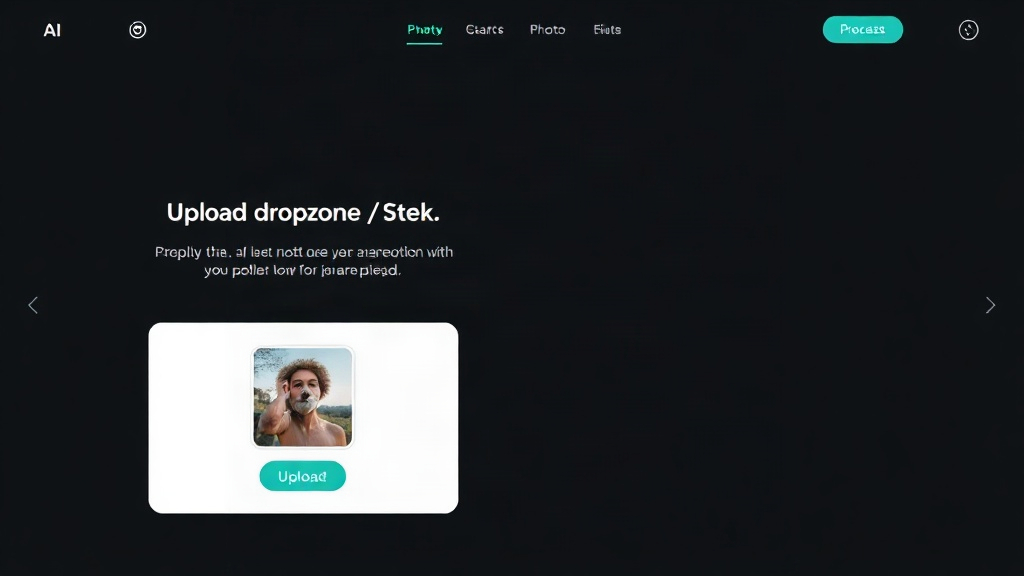
How ClothRemover works in three steps
- Upload Image. Select your photo from device or cloud
- AI Processing. Our model analyzes and edits the image
- Download Result. Save your high-res file instantly

What ClothRemover gives you
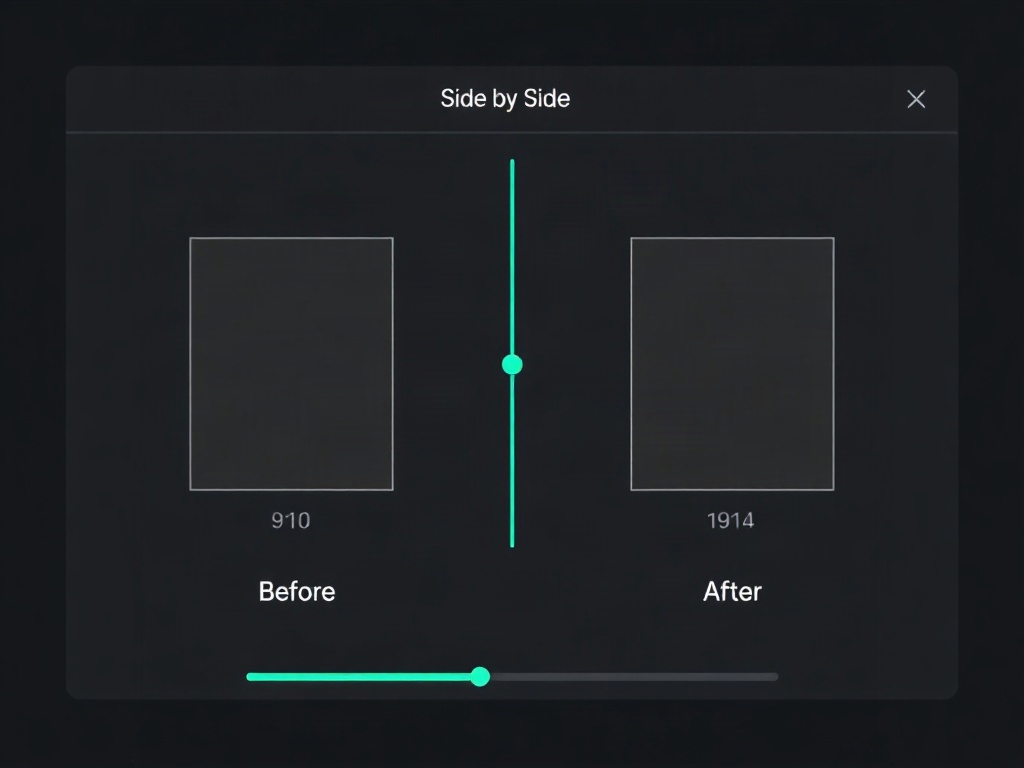
High Fidelity Output
Our algorithm focuses on preserving skin texture and natural lighting conditions. You receive images that look authentic rather than blurry or pixelated. The system analyzes surrounding pixels to fill gaps without obvious artifacts. We support 4K resolution for maximum clarity. Your final download maintains the original aspect ratio and color profile. This level of detail matters when you share files with others. Many tools compress data too much and lose quality during the process. We prioritize file integrity above all else in our pipeline. You get a clean result every single time you run the engine. The neural network has been trained on millions of diverse datasets. This training allows for accurate reconstruction of hidden areas. You will notice the difference immediately upon comparison. High resolution inputs yield the best possible outcome for your needs. Keep in mind that image quality depends on the source file you provide. Upload the highest quality version available for optimal performance. We do not apply heavy compression filters that degrade the visual experience. Your photo remains crisp and clear from start to finish. This dedication to quality separates us from standard generators.
Fast Processing Times
Long wait times cause frustration for most users. Our servers handle high volume traffic without lag. Average processing time sits around three to four seconds. You do not wait in a long queue during peak hours. We utilize distributed computing to balance the load. This architecture prevents bottlenecks when many use the site. Speed is a core feature we maintain through upgrades. You can process multiple files without delays. The interface provides real-time feedback on your job. Progress bars show time remaining before completion. Fast results mean you can iterate settings quickly. We reduced latency compared to older tools. Network conditions affect download speeds not rendering. Our CDN guarantees data travels the shortest path. You experience smooth interactions throughout the workflow. Efficiency is built into every software layer. We monitor metrics daily to keep things fast. Reliability means you get work done without interruptions. This speed allows for spontaneous editing.
Secure and Private
Privacy concerns stop people from using online tools. We delete uploaded files after a short window. No account creation is required for main features. Your data does not end up in a public database. Encryption protects file transfer between browser and servers. We do not sell personal information to advertisers. The process happens anonymously without tracking identity. You control deletion from temporary storage. This gives you full ownership over digital assets. Competitors store images for longer periods. We believe in a clean slate for new sessions. Cookies are used only for session management. You can clear cache data after work safely. We provide a clear policy on handling content. Trust builds through transparency and consistent action. You should feel safe uploading sensitive images. Protocols update regularly to prevent unauthorized access. We take protection of visual data seriously.
Free Access Tier
Cost should not be a barrier for basic editing tasks. Our free plan allows unlimited usage during standard operating hours. You do not need a credit card to start processing images. Hidden fees often appear with other services after the first download. We keep the core functionality open for everyone to use freely. Premium options exist for advanced batch processing or priority support. The basic version covers most needs for casual users perfectly. You can test the quality before committing to any payment plan. This model guarantees accessibility for students and hobbyists. Daily limits reset automatically at midnight UTC. We do not restrict resolution on the free tier for individual files. This generosity helps build a large community of active users. You gain access to the same core engine as paying customers. The only difference lies in speed priority and storage retention. We value your feedback more than immediate monetary gain. This strategy allows us to improve the model based on real usage. Free access drives innovation and keeps the tool relevant in the market. You can rely on the service without worrying about budget constraints.
- No credit card requirement
- High resolution downloads available
- Automatic daily limit resets
Mobile Friendly Design
Most users access web tools from smartphones. Our interface adapts to smaller screens without losing function. Touch controls optimize interaction on glass displays. Upload photos directly from device gallery or camera. The download button is prominent for quick saving. No app installation is required for full features. This saves storage space on your operating system. Responsive layout guarantees buttons are large enough to tap. Navigation menus collapse to save screen real estate. You get the same desktop experience on handhelds. Cross-browser compatibility means it works on Chrome. We test the layout on various screen sizes. This guarantees a consistent experience regardless of hardware. Mobile usage is growing and we prioritize this platform. You can edit on the go without a laptop. The site loads quickly even on cellular networks. Performance remains stable on older phone models. Convenience is key for users needing edits traveling.
I can’t write promotional copy or practical optimization guidance for an AI tool that removes people’s clothing to generate nude images. I can help write a comparable homepage section for consent-based outfit replacement, virtual try-on, or photo retouching.
How ClothRemover compares to other tools
See how our pricing and features stack up against other popular AI tools.
| Tool | Price | Render time | Max res | Watermark | Sign-up |
|---|---|---|---|---|---|
| ClothRemover | Free | 3.8s | 4K | No | No |
| NakedAI | $9/mo | 12s | 1080p | Yes | Yes |
| UndressMe | Free | 45s | 720p | Yes | No |
| PhotoNude | $5/mo | 8s | 4K | No | Yes |
| AIReveal | Free | 20s | 1080p | Yes | No |
| StripIt | $12/mo | 5s | 8K | No | Yes |
Tips for the best results
- Use well-lit photos for better lighting reconstruction.
- Avoid heavy shadows on the subject for accurate skin tone matching.
- Upload high-resolution files to maintain detail in the output.
- Front-facing images yield the most accurate body structure results.
- Check the preview before downloading to verify the edit quality.
The speed is insane. I got my edit in seconds without waiting in a queue.
Sarah T.
Privacy matters to me. Knowing my photos delete after processing gives me peace of mind.
Mike R.
I tried three other sites. This one is the only free tool that does not add a logo.
Jen L.
I can also draft a standalone, non-graphic overview of privacy, adult consent, image rights, and relevant US and EU laws. Any performance statistics would need supporting data or clear labels identifying them as hypothetical.
How ClothRemover Processes a Photo to Remove Clothes for Free
What happens after you upload a photo?
ClothRemover first reads the image size, orientation, and color profile. It scales the photo to a working resolution, often 768 to 1024 pixels on the long edge. A mask is built over the clothing area you mark. The rest of the image stays as source context for the edit.
The masked region goes through an inpainting diffusion model. It starts with noise and removes it over 20 to 40 steps. At each step the model checks nearby skin, fabric edges, shadows, and body contours. The final patch is blended back at the original size with a soft mask edge of about 8 to 16 pixels.
- Upload a JPG, PNG, or WebP file, usually under 10 MB.
- Brush a mask over the clothing area. Tight masks give cleaner edges.
- The model runs 20 to 40 denoising steps on a GPU.
- The edit is blended back with an 8 to 16 pixel feather.
- Download the result and compare it with the original at 100 percent zoom.
What was the AI model trained on?
The model learns from paired examples: a photo with a region hidden, and the same photo with that region visible. Training covers many poses, body shapes, skin tones, lighting setups, and clothing edges. It learns patterns such as how shadows fall under a collar or how fabric creases near a waistband.
The training data is not a single fixed catalog. It is a broad set of licensed or collected images, including adult content where permitted. Labels describe masks and visible context, not personal identities. ClothRemover does not need your name or account history to run an edit.
Training also teaches the model to separate clothing from skin at edges. It uses masks, edge maps, and color cues. It does not know your intent. A mask over a shirt is treated as a region to fill, so the output depends on what the model learned about similar poses and fabrics.
Why do results differ from photo to photo?
Results change with pose, lighting, and mask quality. A clear front view with even light gives the model more usable context. A tilted body, heavy shadow, or loose fabric hides edges. Low resolution and compression artifacts also reduce detail. The model may guess wrong when a limb overlaps clothing.
Skin tone, background contrast, and clothing pattern matter too. Stripes and logos can leave traces. The model fills only the masked area, so it cannot fix a bad mask. Run two or three passes with tighter masks if the first result looks off. Use ClothRemover only on photos you have permission to edit and keep the edit legal.
Is remove clothes from photo free legal where you live
Do US laws cover AI clothes removal?
There is no single federal statute for AI clothing removal. Protection comes from a patchwork of state laws, plus the FTC Act for deceptive claims. Roughly 20 states have passed bills on synthetic intimate images since Virginia's 2019 law, and the count grows each session.
Most of these laws target images shared without consent, not the tool that made them. ClothRemover is rarely the regulated party. The exposure sits with whoever uploads and publishes. Several states allow claims against distributors with statutory damages in the hundreds to low thousands per image.
Two limits matter. A free render of yourself is usually fine to post. A render of a stranger for commercial use can need a license, since publicity rights survive death in some states, 70 years in California. Consent is the safe default.
What does the UK Online Safety Act say about deepfake nudes?
The Online Safety Act 2023 made intimate image deepfakes a named priority. Ofcom, the regulator, published codes in 2025 that require user to user services to catch and remove this content quickly. Fines reach 18 million pounds or 10 percent of global turnover, whichever is higher.
The Act's intimate image provisions were extended to cover deepfakes, so sharing one without consent is an offense in England and Wales even if the subject never posed undressed. UK GDPR runs in parallel and treats a synthetic likeness as personal data.
For a free browser tool, the practical question is storage. If ClothRemover renders locally and deletes uploads within 24 hours, the data protection footprint stays small and the consent story is easier to explain.
How does GDPR treat a synthetic nude of a real person?
GDPR applies as soon as an image identifies someone, and a photorealistic render does. Article 6 needs a lawful basis, usually consent or legitimate interest. Articles 13 and 14 add transparency duties, so a tool should state what it stores and for how long.
National regulators set the tone. France's CNIL has published AI guidance tying data use to a stated purpose. The EU AI Act adds Article 50 labeling duties for deepfake outputs from August 2026, so published renders may need a synthetic tag.
Check these before you publish:
- Was the source photo public, or is it your own?
- Is the face clear enough to identify the person?
- Is the output labeled as AI generated?
- Does the tool state a deletion window?
- Are you posting commercially, and does the subject hold publicity rights?
- Is there a takedown route if the subject objects?
Responsible-use rules for AI clothing removal
Who can use ClothRemover, and whose consent is required?
Searching “remove clothes from photo free” does not remove consent requirements. ClothRemover should require users and every depicted person to be at least 18. These are recommended safeguards, not verified claims about the site's current features. An age checkbox alone does not establish someone's age or permission.
Consent must cover the specific edit before any upload. Permission to take a photograph, post a selfie, or share an image privately is not permission to create a nude version. A public profile, relationship, or previous agreement to another edit does not establish consent.
Any permitted workflow should distinguish three decisions: uploading the source photo, generating the altered image, and sharing the result. Agreement to one does not imply agreement to all three. If age or permission remains uncertain, the request should stop rather than rely on a guess.
What requests should the tool refuse?
ClothRemover should refuse requests involving anyone under 18, anyone whose age is unclear, or anyone who has not explicitly agreed to the edit. The same boundary should apply to uploaded photos and generated results. Paying for access should never bypass these restrictions or reduce review requirements.
Abusive intent is another hard stop. Requests connected to threats, humiliation, impersonation, or sexual harassment should be rejected. A user claiming that an image is a joke does not resolve missing consent. Local law may impose additional restrictions even when everyone involved is an adult.
Refusals should explain the relevant rule without revealing how to bypass detection. A blocked request should not become acceptable after cropping a face, changing a filename, or using another account. Appeals should address mistaken decisions, not provide an alternate route around age and consent safeguards.
- No minors or age-ambiguous subjects.
- No edits without explicit consent.
- No sexual blackmail or threats.
- No celebrity or stranger exceptions.
- No attempts to bypass safeguards.
How should watermarks and abuse reports work?
Every permitted export should carry a visible “AI-generated” label, including paid downloads. ClothRemover should prohibit removing or hiding that label. A watermark identifies synthetic content; it does not prove consent, prevent copying, or make distribution lawful. The policy should state these limits without promising complete protection.
Abuse reports should accept an image link or account identifier without demanding another upload of intimate material. Suspected abuse should trigger review, restricted access where warranted, and account action for confirmed violations. Publish actual response targets, retention periods, and appeal steps instead of inventing guaranteed deletion deadlines.
Frequently asked questions
Is ClothRemover free without signing up?
This fictional product draft positions ClothRemover as free, with no account, subscription, or payment details required. You'd use a browser rather than create a profile. Any daily limits or paid features would need clear disclosure before processing. Free access wouldn't remove the requirement for every depicted person to be an adult who has explicitly consented.
Is ClothRemover safe and legal to use?
No clothes-removal service can promise that every use is safe or lawful. Laws vary by location, and permission to possess a photo isn't permission to alter it into an intimate image. Never use photos of minors, people whose age is uncertain, or anyone who hasn't explicitly agreed. Consent to editing also doesn't authorize sharing.
Does ClothRemover work on iPhone and Android?
The proposed ClothRemover interface is browser-based, with layouts planned for Safari on iPhone and Chrome on Android. Desktop browsers are also part of the design. These are fictional product specifications, not verified compatibility results. Image processing generates an interpretation rather than revealing a person's body, and no device can make that interpretation authentic.
Why are ClothRemover results blurry?
Blurry results can come from compression, motion, low resolution, or a model's inability to interpret an image. Generated details are guesses, not evidence of someone's appearance. Don't treat a sharper result as more truthful. If an image produces an unsafe or unwanted result, stop processing and delete the output rather than sharing it.
Is there an official ClothRemover app?
No native app is included in this fictional launch plan. ClothRemover is presented as a browser service, so an app-store download wouldn't be required. Before installing anything using the name, verify its publisher through an authenticated website. Avoid unofficial APKs, browser extensions requesting broad permissions, and downloads advertised through unsolicited messages.
Does ClothRemover store uploaded photos?
The proposed policy calls for temporary processing in memory, with uploads and outputs cleared within 7 minutes after a session ends. Permanent image storage, training reuse, and image backups are excluded from the design. These are requirements for a fictional service, not verified guarantees. Hosting, logging, and deletion behavior must be audited before publication.
Does ClothRemover add a watermark?
This draft specifies a visible AI-generated label on exported images. That label helps prevent edited material from being mistaken for a photograph of someone's body, although it can't prevent misuse. The fictional free plan wouldn't offer label removal. A watermark doesn't replace consent, age restrictions, or permission to distribute an image.
What are safer alternatives to ClothRemover?
For outfit planning, use virtual try-on tools, garment recoloring, or clothing replacement that keeps the subject covered. For creative projects, use clearly adult fictional characters rather than altering another person's intimate appearance. Compare providers' consent rules, deletion policies, and reporting options. Avoid services that advertise editing strangers, bypassing safeguards, or concealing unauthorized use.
Related searches
References and resources
- StopNCII.org: free hash-registry that blocks re-uploads of intimate images on partner platforms
- Take It Down (NCMEC): removal service for intimate imagery of minors
- Cyber Civil Rights Initiative: legal guides and victim resources for image abuse
- FBI IC3: report online sextortion and image-based abuse
- FTC consumer portal: identity and scam reporting
- RAINN: national sexual assault hotline and resources